
For: New sellers setting up a first or second LIVE.
Not affiliated with or endorsed by TikTok.
Steps
- List every product before the LIVE. Use clear titles and stock counts that match your shelf.
- Pick the products to pin. Pinned products show on screen while you talk about them.
- Plan your LIVE tools. Choose from pinned products, coupons, LIVE Giveaway, Flash Sale (needs SPS 2.5+) and LIVE Auction (permitted categories only).
- Use the LIVE Giveaway tool for giveaways. Wheels, raffles, "first buyer wins" and off-platform randomizers aren't allowed.
- Open LIVE Manager. Use it during the stream to manage products and see orders.
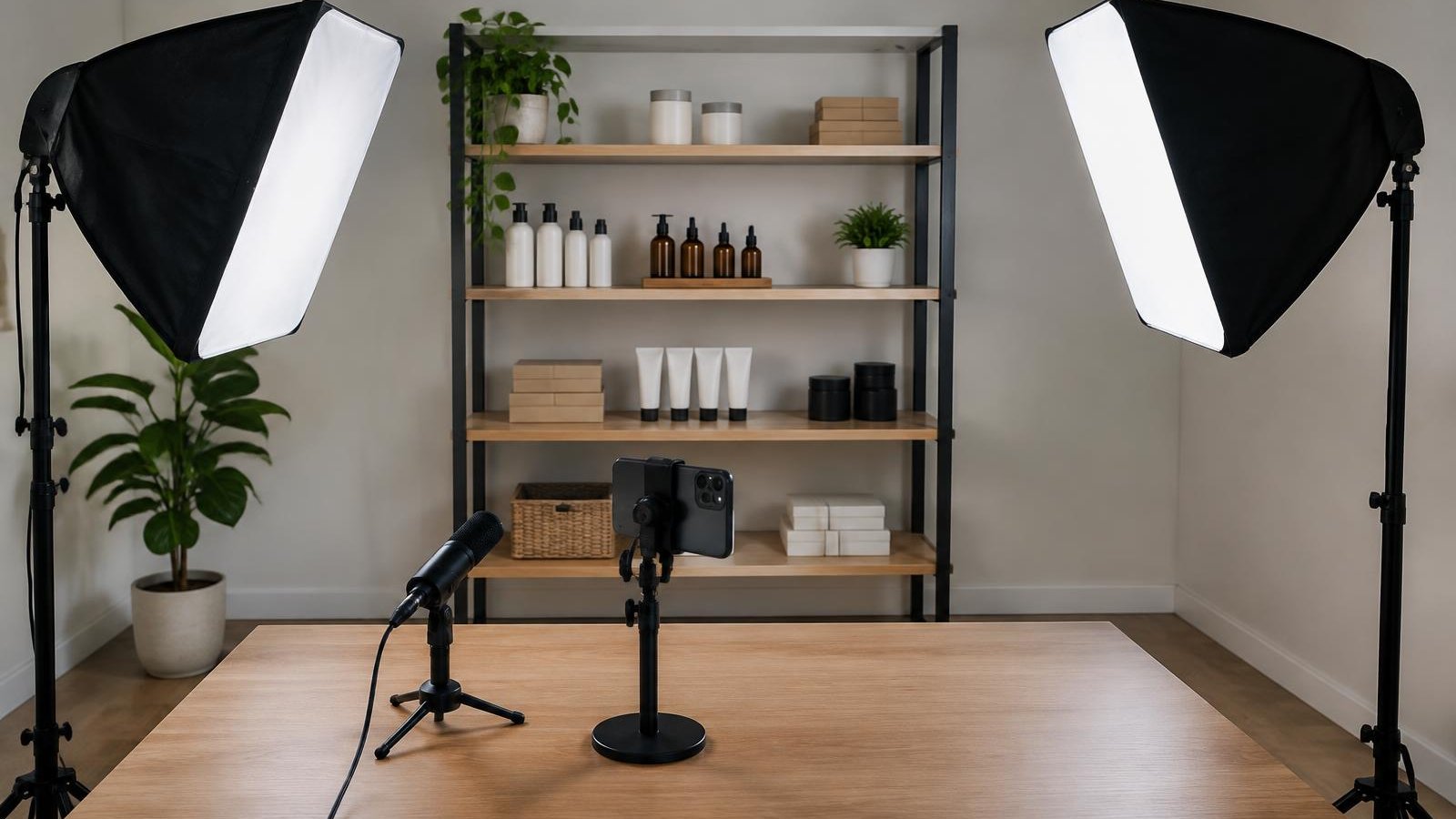
- Do a test. Check lighting, sound and your connection before the real LIVE.
Example Run Sheet For A 60-Minute LIVE
| Time | What You Do | Tool |
|---|---|---|
| 0:00–0:05 | Say who you are and what's on today | Pinned product |
| 0:05–0:40 | Show items one by one | Pinned products, coupons |
| 0:40–0:45 | Run a giveaway | LIVE Giveaway |
| 0:45–1:00 | Last items, thank viewers | Pinned products |
Common Mistakes
- Listing products during the LIVE instead of before.
- Running a homemade raffle. Use the LIVE Giveaway tool.
- Stock counts that don't match the shelf, which leads to seller-fault cancellations.
Checklist
- Products listed with correct stock
- Pin order planned
- Giveaway set in LIVE Giveaway
- Coupons ready
- LIVE Manager open
- Lighting, sound and connection tested
Part of SaleTrail Campus: practical guides for Whatnot and TikTok Shop sellers.
Sources
Put the week on one page.
A blank weekly workbook across the five areas: show economics, inventory health, fulfillment flow, accuracy, and team rhythm.
- One blank page per area, with a source column (Recorded / Estimated / Unknown / N/A)
- A page for choosing the few figures that change a decision
- A short page on reading your own numbers without fooling yourself
- No score, no target range, no benchmark
Blank workbook only. It sets no score, no target range and no benchmark. You record your own figures and compare against your own previous weeks.
Email required. The guide and the on-screen scorecard stay open to everyone.