
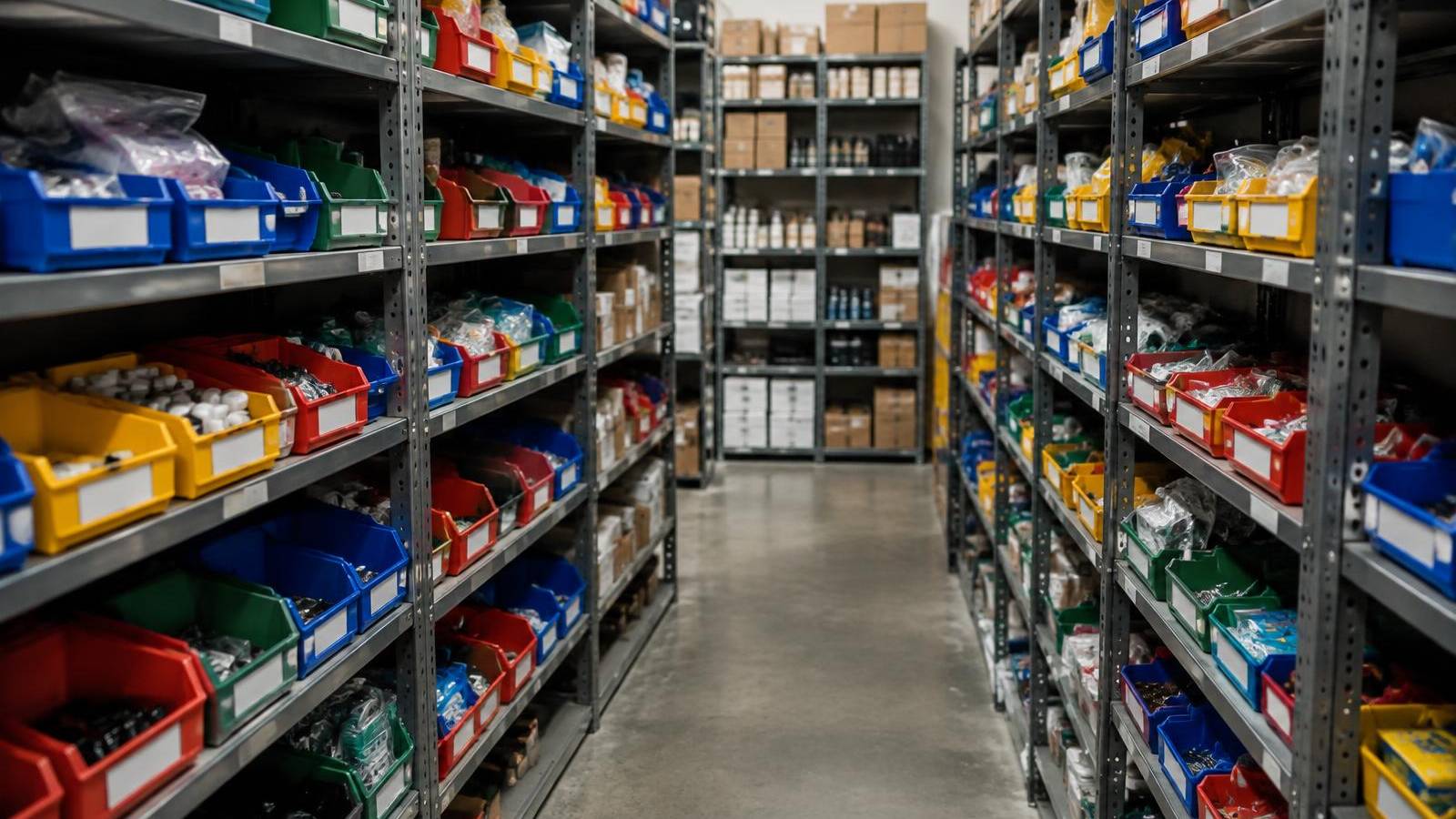
For: Existing sellers who oversell or cancel orders.
Not affiliated with or endorsed by TikTok.
Steps
- Use one ID per product. The same SKU on the shelf, the listing and the run sheet.
- Count before every LIVE. Match shelf counts to listings for the items you'll show.
- Know Temporary Listings don't sync. Auction Temporary Listings are LIVE-only and don't sync to your store or Shopify. Update stock by hand after.
- Update after each LIVE. Subtract what sold before the next show.
- Watch seller-fault cancellations. Overselling causes them; keep SFCR at 2.5% or less.
Common Mistakes
- Trusting the listing count without checking the shelf.
- Forgetting that Temporary Listing sales don't reduce store stock.
- Selling the same unit on two platforms.
Checklist
- One SKU per product
- Pre-LIVE count done
- Temporary Listing sales subtracted
- Post-LIVE update done
- SFCR checked
Part of SaleTrail Campus: practical guides for Whatnot and TikTok Shop sellers.
Sources
Put tomorrow's shift on one page.
Get the huddle sheet, exception log, responsibility worksheet, and weekly scorecard.
- Daily warehouse huddle sheet
- Station-assignment sheet (blank roles)
- Exception log (blank)
- Owner–manager responsibilities worksheet
- Weekly warehouse scorecard (blank categories)
- A short example of how a manager might use the kit
Blank templates only. The kit sets no staffing ratios, targets or benchmarks — you fill in your own.
Email required. Preview what's included before downloading.