
For: Existing sellers whose packing runs late after big LIVEs.
Not affiliated with or endorsed by TikTok.
Steps
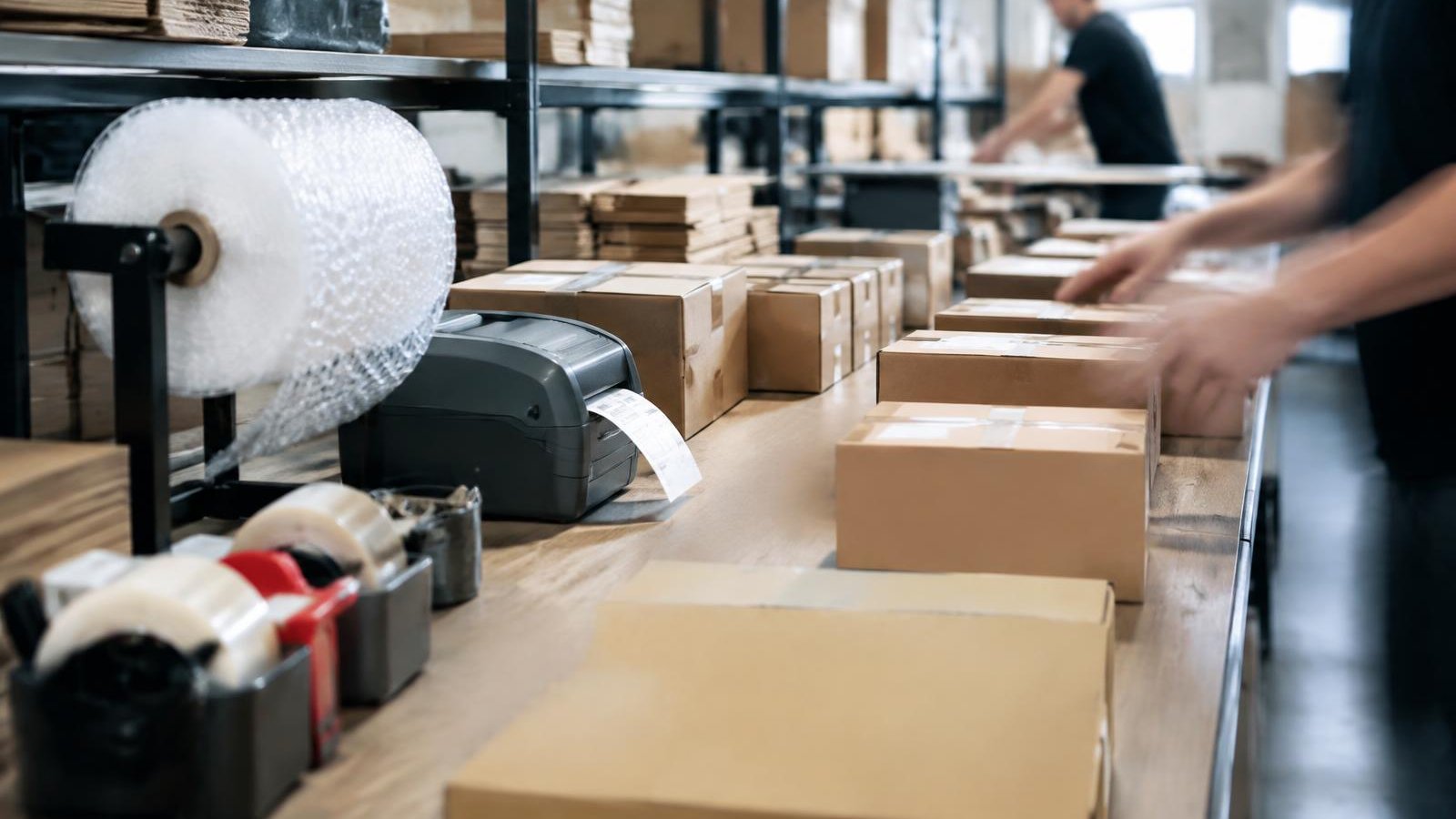
- Set up before the LIVE. Boxes, mailers, tape, labels and a clear packing table.
- Batch print labels. Print all labels as soon as the LIVE ends.
- Pick by location. Give every product a shelf address and pick in shelf order.
- Check, then seal. Match item and quantity to the order before sealing.
- Batch scan or manifest. A manifest or in-app batch scan can count as the dispatch event.
- Track your time. Note orders per hour so you know how long the next big LIVE will take to pack.
Example: packing time for 120 orders
| Pace | Hours To Pack 120 Orders |
|---|---|
| 20 orders/hour | 6 |
| 30 orders/hour | 4 |
| 40 orders/hour | 3 |
Common Mistakes
- Packing in order-number order instead of shelf order.
- Skipping the check before sealing to save time.
- Waiting for the next day when the 2-business-day clock has already started.
Checklist
- Supplies ready before the LIVE
- Labels batch printed
- Shelf addresses on every product
- Check before sealing
- Batch scan or manifest done
- Orders per hour recorded
Part of SaleTrail Campus: practical guides for Whatnot and TikTok Shop sellers.
Sources
Put tomorrow's shift on one page.
Get the huddle sheet, exception log, responsibility worksheet, and weekly scorecard.
- Daily warehouse huddle sheet
- Station-assignment sheet (blank roles)
- Exception log (blank)
- Owner–manager responsibilities worksheet
- Weekly warehouse scorecard (blank categories)
- A short example of how a manager might use the kit
Blank templates only. The kit sets no staffing ratios, targets or benchmarks — you fill in your own.
Email required. Preview what's included before downloading.