
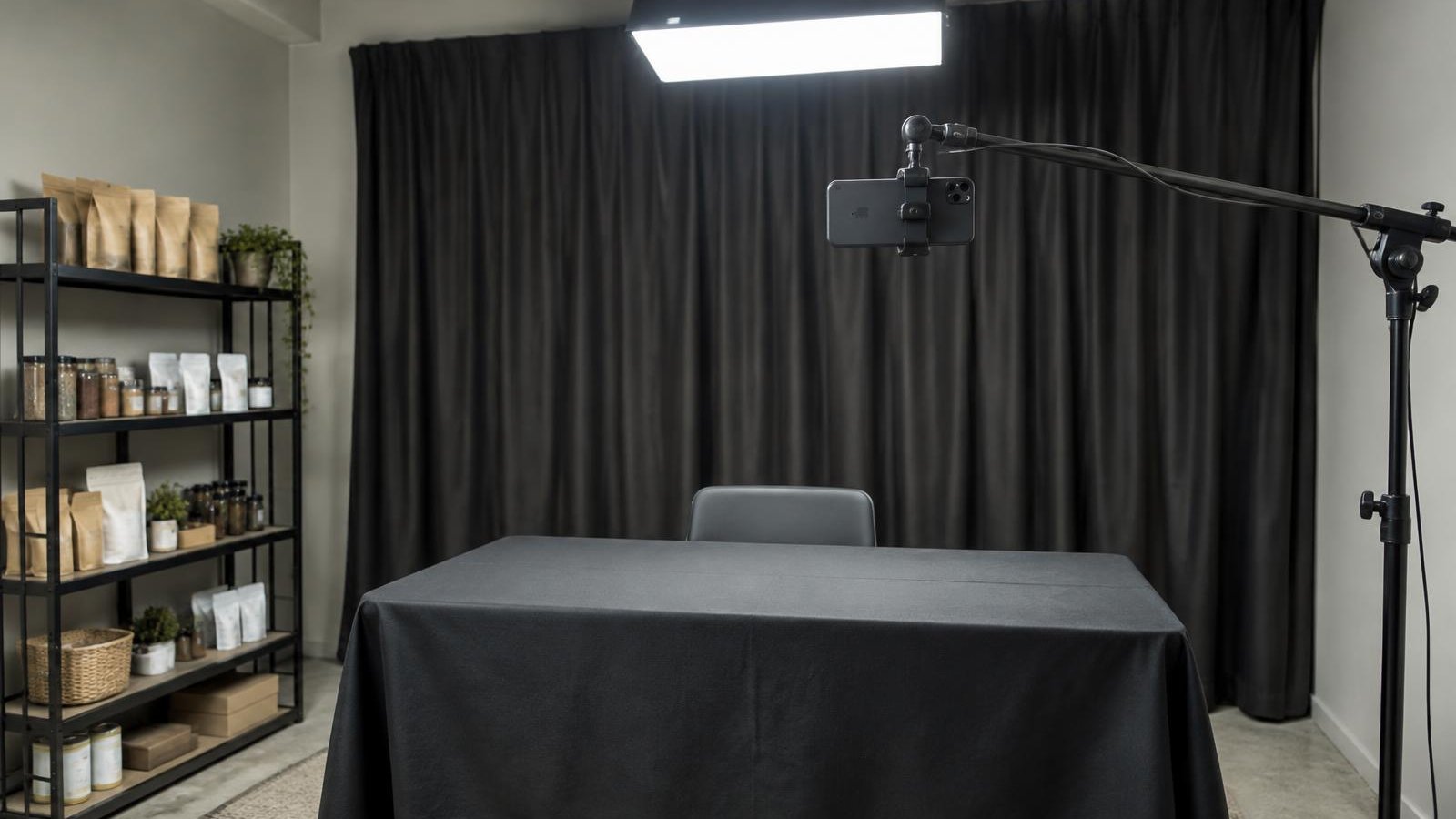
For: New sellers setting up a space for their first shows.
Steps
- Pick a quiet spot. Away from the packing area, doors and loud machines.
- Fix the camera at eye level. Use a tripod or phone mount so the frame doesn't move. Frame the streamer and the table.
- Light from the front. Put your main light behind or beside the camera, facing the streamer. Add a second light to soften shadows. Avoid a bright window behind you.
- Use a dedicated microphone. A clip-on or desk mic near the streamer. Do a test recording and listen back.
- Set a staging table in front of the camera. Leave a clear spot where each item sits while you show it.
- Create a waiting area off camera. A shelf or cart beside the streamer, holding the next items in show order.
- Add a sold area. A bin or tray where sold items go right after the sale, labeled with the buyer or order, so packing can start from it.
- Test before every show. Check framing, light, sound and connection on the app you'll use.
Example Layout
| Zone | What's There | Who Uses It |
|---|---|---|
| Camera | Tripod or mount at eye level, main light | Streamer |
| Staging table | The one item being shown | Streamer |
| Waiting area | Next items in show order | Runner or streamer |
| Sold area | Sold items with buyer or order label | Runner, then packer |
Common Mistakes
- A window behind the streamer, which darkens the face.
- Using the phone's built-in mic in a noisy room.
- Mixing sold and unsold items on the same table.
Checklist
- Camera fixed at eye level
- Front light set, no window behind
- Mic tested with a recording
- Staging spot clear
- Waiting area in show order
- Sold area labeled
- Stream tested on the app
Practice On Camera
The Live Streamer Training Course covers this in Lesson 1, "Welcome and set up your stream".
Part of SaleTrail Campus: practical guides for Whatnot and TikTok Shop sellers.
Put the week on one page.
A blank weekly workbook across the five areas: show economics, inventory health, fulfillment flow, accuracy, and team rhythm.
- One blank page per area, with a source column (Recorded / Estimated / Unknown / N/A)
- A page for choosing the few figures that change a decision
- A short page on reading your own numbers without fooling yourself
- No score, no target range, no benchmark
Blank workbook only. It sets no score, no target range and no benchmark. You record your own figures and compare against your own previous weeks.
Email required. The guide and the on-screen scorecard stay open to everyone.