
For: new streamers, and owners coaching a new hire.
Not affiliated with or endorsed by Whatnot or TikTok.
Why This Matters
Viewers can't pick up your product. They only have what they see and hear. Whatnot's own production guide says that after lighting, audio is the most important upgrade, and that "bad audio drives viewers away faster than almost anything else."
Most delivery problems are not personality problems. They're setup and habit problems you can fix.
Part 1: Set up so you can be seen and heard
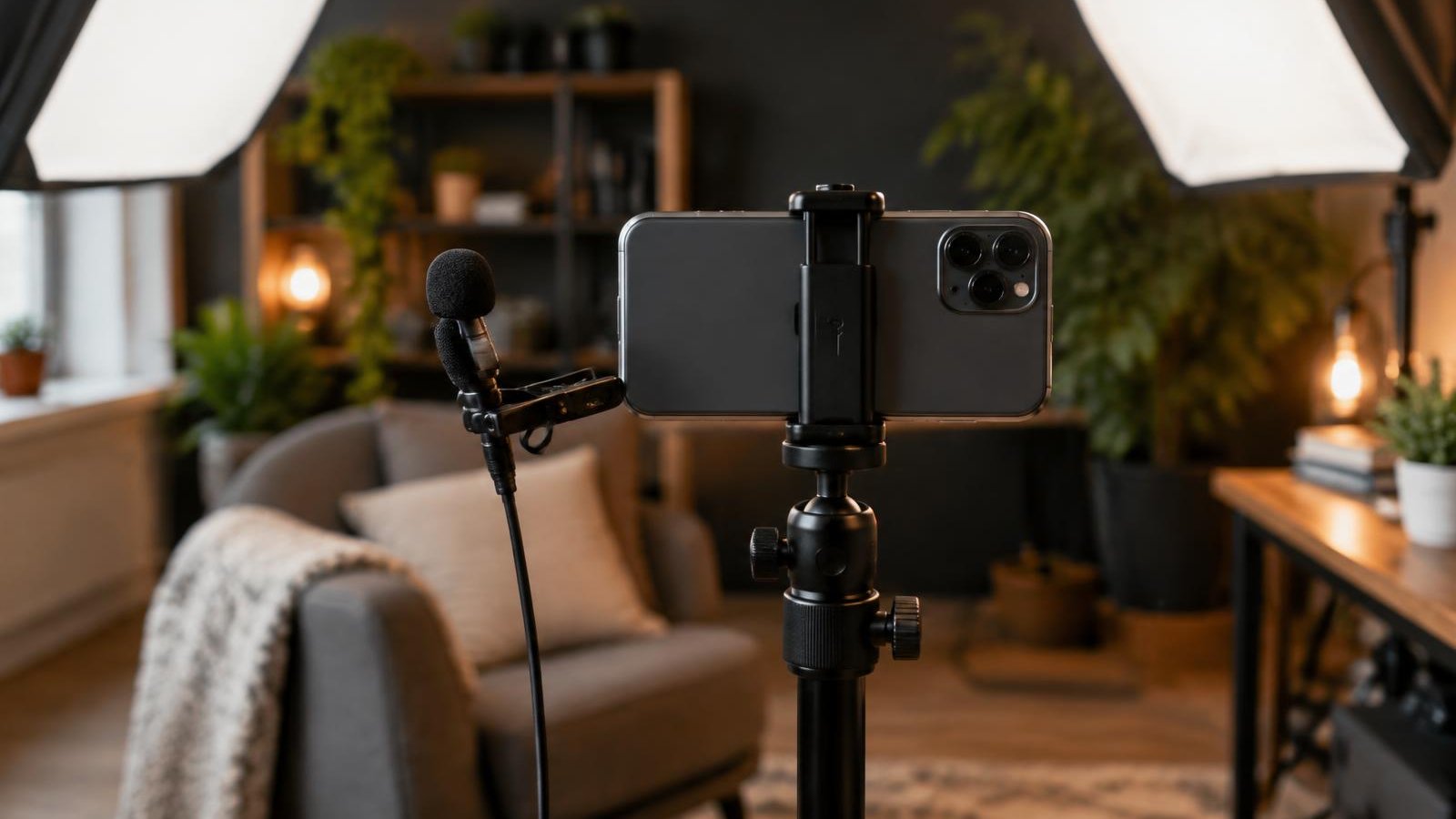
- Fix the camera in place. Use a phone stand or tripod. Whatnot recommends one for a steady picture, and TikTok's LIVE Shopping lesson lists an adjustable tripod in its room setup.
- Use a second device for controls if you can. Whatnot suggests a second device for starting auctions and adding products so the main camera stays still. TikTok suggests two charged phones: one to film, one to manage comments.
- Light your face and the product evenly. Whatnot's production guide recommends two lights placed about 45° to each side, angled down, instead of a single ring light, which can cause glare on shiny items. Set all lights to the same color temperature.
- Keep your phone mic close. Whatnot recommends staying within 2–3 feet of the phone when using its built-in mic, and not covering the mic with a case or mount. If you stand farther away, use a clip-on lav mic.
- Cut background noise. Turn off fans, AC, TVs and loud music. Whatnot says your voice should be the loudest sound in your show. If you play music, keep it light and royalty-free.
- Frame you and the product. Have a close-up ready. On Whatnot, Seller Tools include Camera Zoom and Facecam (front and rear camera at once) on iOS and web; turn Seller Tools on in Preferences first.
Part 2: Voice, pace and eye contact
- Look at the lens, not your own face. Talk to the lens as if you're helping one person. Check chat and the product, then come back to the lens.
- Talk at a steady, normal volume. Don't shout. With a mic close by, there's no need to.
- Slow down and breathe. Nerves make people rush every sentence together. Take a breath between items. A short pause is fine.
- Vary your words. If every item is "amazing" or "insane," the words stop helping anyone choose. Replace hype words with one real detail: size, condition, material, set name.
- Slow your hands, even if your voice stays lively. Bring the detail into frame, hold still, then name it: "Look at the corner here."
- Practice the movements. Pick up the item, bring it into frame, find the detail, look back at the lens, put it down. Do this before the show so it's automatic.
- Use your own style. You don't need to sound like a famous streamer. Warm, calm or playful all work if you're clear.
Example: same item, two deliveries
Example script.
Before (shouting, repeating):
"Guys, guys, this is AMAZING, let's go, let's go, this is insane, you need this, let's GO!"
After (steady, specific):
"This is a size medium jacket. Here's the tag. Look at the cuffs, there's light wear on the left one. The zipper works, I'll show you. If you want to see the back, ask in chat."
The second version is calmer, but it gives viewers four things they can actually use.
Common Mistakes
- Shouting to sound excited. Loud doesn't read as energetic on a phone speaker. It reads as noise.
- Repeating the same hype line. Viewers tune it out. Say something new about the item instead.
- Watching yourself on screen. Your eyes drift down and viewers lose eye contact.
- Standing too far from the phone mic. Room echo and noise take over. Move closer or use a lav mic.
- Waving the item around. Viewers can't read a moving label.
- Ring light glare on glossy items. Whatnot's guide recommends two-point lighting for cards, slabs, foils and coins.
Quick Checklist
- Camera is on a stand or tripod
- Two lights, same color temperature, angled down
- Phone within 2–3 feet, or a lav mic on
- Mic not covered by the case or mount
- Fans, TV and loud music off
- Close-up view tested
- I talk to the lens at a normal volume
- I pause between items and hold details still
- I have real details ready for each item, not hype words
Go deeper: Live Streamer Training Course – Lessons 1 and 2
SaleTrail Campus's Live Streamer Training Course covers this in Lesson 1, "Welcome and set up your stream", and Lesson 2, "Find your streaming style": setting up your camera, light and mic and building a natural, confident presence on camera.
See the Live Streamer Training Course (free, six lessons with personal feedback).
Part of SaleTrail Campus: practical guides for Whatnot and TikTok Shop sellers.
Sources
- Whatnot Seller Academy, Production Guide (Two-Point Lighting, 45° Angles, Color Temperature, Phone Within 2–3 Feet, Background Noise, Lav Mics)
- Whatnot Seller Academy, Go Live Guide (Tripod, Second Device, Background Music)
- Whatnot Help Center, Livestream Tools, Updated Mar 19, 2026 (Camera Zoom, Facecam; IOS And Web)
- TikTok Shop Seller University (US), "TikTok LIVE Shopping," 05/13/2026 (Lighting, Two Phones, Tripod)
Put the week on one page.
A blank weekly workbook across the five areas: show economics, inventory health, fulfillment flow, accuracy, and team rhythm.
- One blank page per area, with a source column (Recorded / Estimated / Unknown / N/A)
- A page for choosing the few figures that change a decision
- A short page on reading your own numbers without fooling yourself
- No score, no target range, no benchmark
Blank workbook only. It sets no score, no target range and no benchmark. You record your own figures and compare against your own previous weeks.
Email required. The guide and the on-screen scorecard stay open to everyone.