
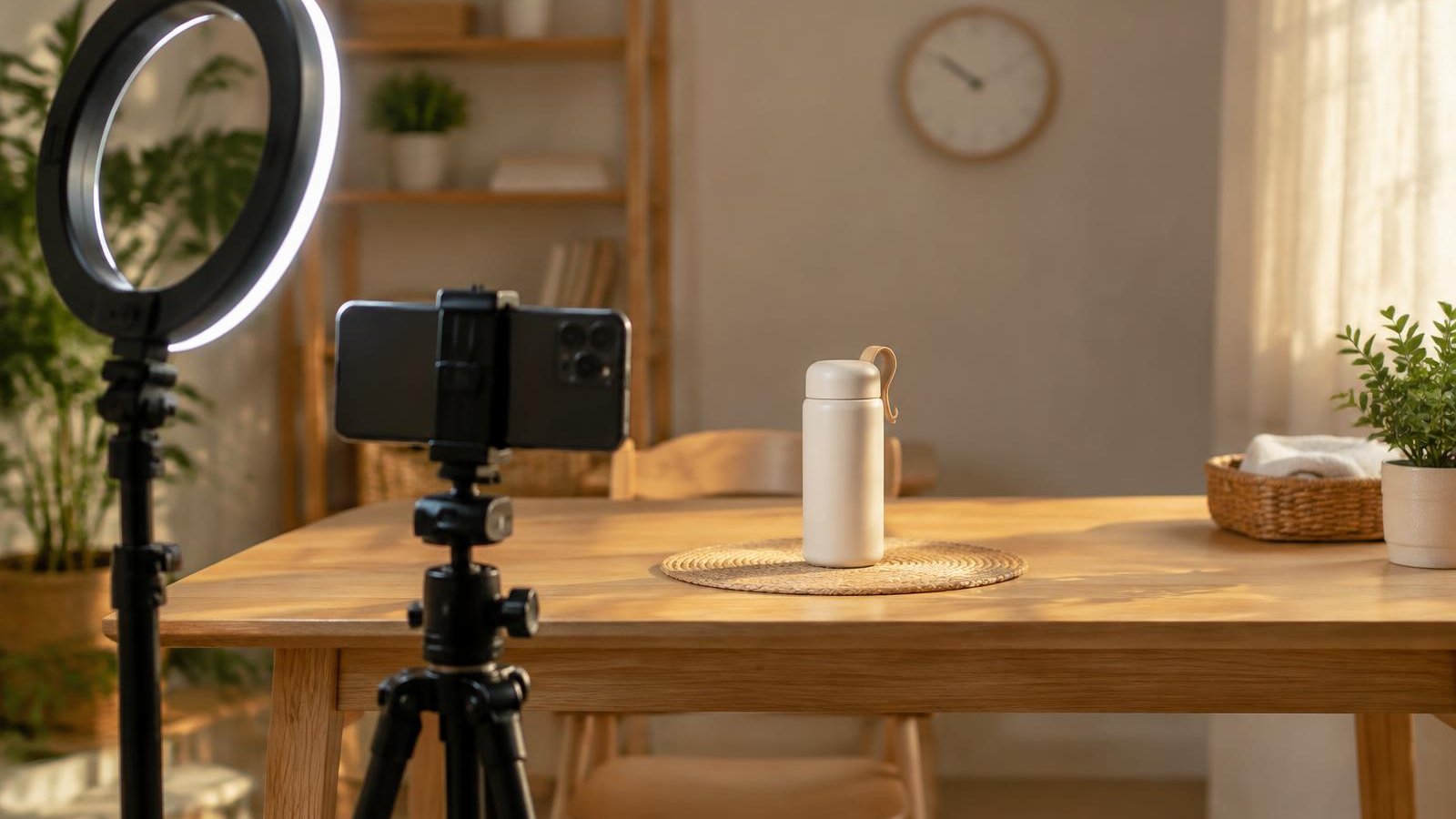
For: streamers and the owners who train them. Use it for every show, not just your first.
Not affiliated with or endorsed by Whatnot or TikTok.
Why The Opening Matters
TikTok Shop's US Seller University tells sellers to grab viewers' attention "in the first few seconds." Whatnot's Go Live Guide tells sellers to welcome new viewers as they join and to shout out returning viewers and buyers.
The first few minutes set the pattern for the whole show. People decide quickly whether they understand what's happening. If they don't, they leave.
A good opening answers three questions in a few sentences:
- Who are you?
- What are you showing today?
- What's coming up, and how do I bid or win?
That's it. You don't need a long introduction or a big speech.
Steps
- Prepare before you go live. Have your first product in reach and your run sheet (the planned order of items) next to you. Whatnot suggests pre-loading listings so you can focus on your audience during the show. TikTok's LIVE Shopping lesson lists "prepare LIVE scripts" as part of its pre-LIVE checklist.
- Say hello and say who you are. One sentence is enough. Look at the lens, not your own face on the screen.
- State what today's show is about. Name the products or category. TikTok's LIVE Studio help suggests having a theme for each LIVE and bringing it up when new viewers join.
- Preview what's coming. Mention one or two items you'll show later. TikTok's LIVE Shopping lesson suggests a script that starts with a greeting and then introduces your products and features.
- Start with a real product within the first minute. Don't wait for the room to fill. The people already there need something to look at. Waiting for a bigger room leaves the people who are already watching with very little to watch.
- Ask one easy question tied to the product. "Would you like to see the size or the back first?" A specific question is easier to answer than "How's everyone doing?"
- Greet people by name as they arrive. On Whatnot, tap the viewer count to open the viewer list, then use the @ button to tag someone in chat.
- Repeat a short reset at natural breaks. Viewers come and go. TikTok's LIVE Shopping lesson says to repeat your greeting and product details often. Do it at a transition, not on a timer, and keep it short.
Opening Scripts You Can Adapt
Example scripts. Change the words to match your style and your products.
Standard opening (about 30 seconds)
"Hi, I'm Dana. Today we're looking at vintage denim jackets, sizes small to XL. I'll show each one up close, front, back and tags, and you can ask questions as we go. Later I've got two leather jackets I think a few of you will want to see. Let's start with this one. Would it help more to see the fit or the tag first?"
Short reset for people joining mid-show (about 10 seconds)
"If you just joined, welcome. I'm Dana, and we're going through vintage denim. I'm showing this jacket's stitching now, and the leather ones are coming up after this."
Calm, detail-first style
"Hi, I'm Sam. Today is sealed trading card product. For each one, I'll show the box, the seal and the set name before we start. First up is this one."
Each script names the streamer, the show and the next step, then moves straight to a product.
Common Mistakes
- Waiting for viewers before starting. Long "let's wait for a few more people" openings give the first viewers nothing to do.
- Shouting to sound energetic. A loud, flat opening is hard to listen to. Talk at a steady, normal volume. Let your energy come from what you say and show.
- Repeating the same hype line. "Let's go, let's go" said every minute stops meaning anything. Vary your words and say something useful instead.
- A long life story. Keep personal context short. Get to the first product.
- Promising things you can't back up. Don't invent stock counts, buyers or deals. Whatnot's Community Guidelines require you to represent an item's condition and value accurately.
- Going quiet while you set up. Whatnot doesn't allow inactive shows, such as a frozen screen or no one on camera for long stretches. Set up before you start.
Quick Checklist
- First product is in reach and listed before going live
- Run sheet is next to me
- I said my name and what today's show is about in the first minute
- I previewed one or two items coming later
- I showed a real product within the first minute
- I asked one specific, product-related question
- I greeted new viewers by name
- I have a 10-second reset ready for people who join late
Go deeper: Live Streamer Training Course – Lesson 4
SaleTrail Campus's Live Streamer Training Course covers this in Lesson 4, "Engage your viewers": welcoming newcomers, responding to chat and keeping the conversation moving.
See the Live Streamer Training Course (free, six lessons with personal feedback).
Part of SaleTrail Campus: practical guides for Whatnot and TikTok Shop sellers.
Sources
- TikTok Shop Seller University (US), "How To Boost Organic Traffic," 11/26/2025 (Hook Viewers In The First Few Seconds)
- TikTok Shop Seller University (US), "TikTok LIVE Shopping," Dated 05/13/2026 (Prepare Scripts, Repeat Greeting And Product Details)
- TikTok LIVE Studio Help, "How To Increase Viewer Interaction And Engagement?", Updated Feb 25, 2026 (Greet Viewers, Theme For Each LIVE)
- Whatnot Seller Academy, Go Live Guide (Pre-Load Listings, Welcome New And Returning Viewers)
- Whatnot Help Center, Show Management For Sellers (Viewer List, @ Tagging)
- Whatnot Community Guidelines, Updated Oct 12, 2026 (Active Show, Accurate Representation)
Put the week on one page.
A blank weekly workbook across the five areas: show economics, inventory health, fulfillment flow, accuracy, and team rhythm.
- One blank page per area, with a source column (Recorded / Estimated / Unknown / N/A)
- A page for choosing the few figures that change a decision
- A short page on reading your own numbers without fooling yourself
- No score, no target range, no benchmark
Blank workbook only. It sets no score, no target range and no benchmark. You record your own figures and compare against your own previous weeks.
Email required. The guide and the on-screen scorecard stay open to everyone.