
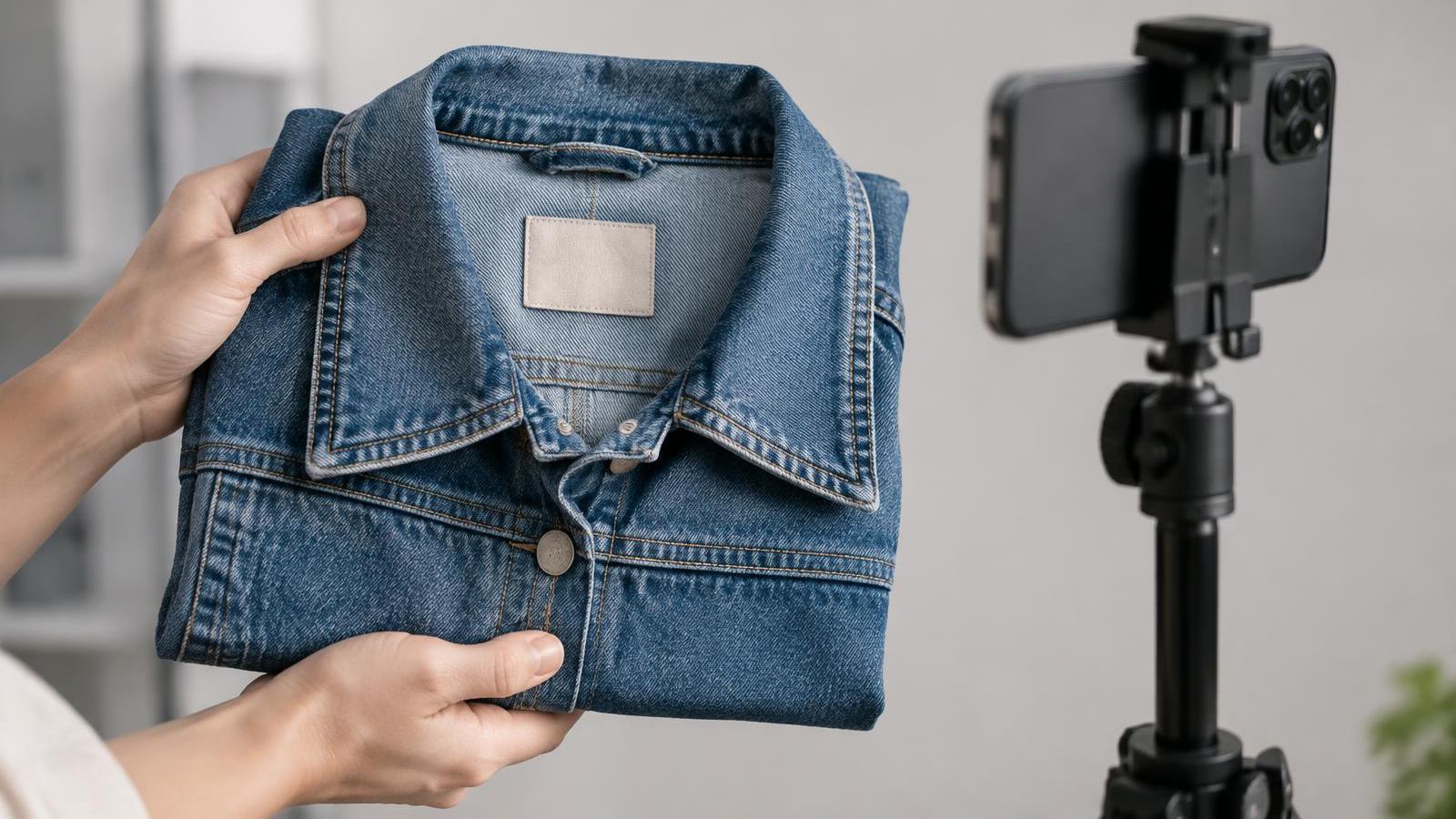
For: streamers who show products well but rarely ask for the sale, or who ask too hard.
Not affiliated with or endorsed by Whatnot or TikTok.
Why This Matters
Many viewers won't act until you tell them what to do. TikTok Shop's US Seller University recommends clear calls to action, including how to complete a purchase. But pressure, fake urgency and "come on, guys" make a show feel like a pitch, and people leave.
The fix is a simple order: details first, who it's for second, then one clear ask.
Steps
- Give the honest details first. Name the item, show its condition on all sides and point out flaws. Whatnot's Community Guidelines require this, and require accurate statements about price and value.
- Say who it's for. "If you need a jacket that fits over a hoodie, this one's cut roomy." That helps the right buyer decide, and lets others relax.
- Make one clear ask that matches the format. Say exactly what's being sold and how to buy right now. Whatnot auction: "This is the item up now. Bidding starts at $10." Whatnot Buy It Now: "It's pinned at $25 if you want it now." TikTok Shop LIVE: "It's the pinned product. Tap it to buy."
- Keep the product visible to buyers. On TikTok, Seller University says only one product can be pinned at a time and recommends re-pinning about every 30 seconds so the card doesn't disappear.
- Repeat the ask at natural points, not constantly. New viewers keep joining, so restate what's being sold when you reset or when someone asks. Don't say the same line every few seconds.
- Use only true urgency. "This is the last one I have" is fine if it's true. Don't invent low stock, pretend others are buying, or claim a special price you haven't confirmed. TikTok suggests clearly explaining any livestream discount; only mention one that is real and authorized.
- If someone hesitates, find the missing detail. "Is there something you still want to see?" Then show it.
- After a sale, say thanks and move on. Thank the buyer by name, confirm what they won, and start the next item. Keep track of who won what. Whatnot suggests a sticky note with the winner's username on each item.
- When nobody buys, move on calmly. Don't sound disappointed. Say "No problem, let's look at the next one," and keep going.
Example Scripts
Example scripts. Adapt to your product and format.
Clear ask after details
"So that's a size large, small mark on the back hem, which I showed you. Good one if you like a loose fit. It's up now, bidding starts at $10. If you still want to see anything, ask now."
Gentle check before moving on
"Before I move on, does anyone want a closer look at the zipper?"
No bids
"That one's not for this room today, that's fine. Next up is the leather jacket a few of you asked about."
Common Mistakes
- Never asking. Viewers who were interested don't know the item is up or how to buy it.
- Shouting and repeating "come on, come on." It gives no new information. Answer the hesitation instead.
- Fake urgency. Invented scarcity or "everyone's buying this" breaks trust. On Whatnot, misrepresenting price or value can lead to account action and refunds billed back.
- Shill bidding. Never have friends, family or staff bid to push up a price. Whatnot prohibits it and says it may break the law.
- Starting below what you'll accept. All Whatnot bids are binding, and sellers can't cancel because the price was low. Set a start you're comfortable with.
- Sending buyers to DMs or elsewhere. Don't offer side deals or send promo links by DM. Whatnot prohibits off-platform transactions and repeated unsolicited messages.
Quick Checklist
- I showed condition on all sides, including flaws
- I said who the item suits
- I said exactly what's up and how to buy it
- My start price is one I'm willing to accept (Whatnot)
- I re-pinned the product as needed (TikTok)
- Any urgency I mentioned was true
- I asked what detail would help before moving on
- I thanked buyers by name and logged who won what
- No side deals, no DMs with links
Go deeper: Live Streamer Training Course – Lessons 3 and 5
SaleTrail Campus's Live Streamer Training Course covers this in Lesson 3, "Present products clearly", and Lesson 5, "Run auctions and close sales": showing useful details, explaining why they matter and making a clear, honest ask.
See the Live Streamer Training Course (free, six lessons with personal feedback).
Part of SaleTrail Campus: practical guides for Whatnot and TikTok Shop sellers.
Sources
- TikTok Shop Seller University (US), "How To Boost Organic Traffic," 11/26/2025 (Clear Calls To Action, Explain Livestream Discounts)
- TikTok Shop Seller University (US), "TikTok LIVE Shopping," 05/13/2026 (Pin One Product At A Time, Re-Pin About Every 30 Seconds)
- Whatnot Community Guidelines, Updated Oct 12, 2026 (Accurate Condition And Value, Binding Bids, Shill Bidding, Fee Avoidance, Unsolicited Messages)
- Whatnot Seller Academy, Go Live Guide (Sticky Notes For Who Won What)
Put the week on one page.
A blank weekly workbook across the five areas: show economics, inventory health, fulfillment flow, accuracy, and team rhythm.
- One blank page per area, with a source column (Recorded / Estimated / Unknown / N/A)
- A page for choosing the few figures that change a decision
- A short page on reading your own numbers without fooling yourself
- No score, no target range, no benchmark
Blank workbook only. It sets no score, no target range and no benchmark. You record your own figures and compare against your own previous weeks.
Email required. The guide and the on-screen scorecard stay open to everyone.