
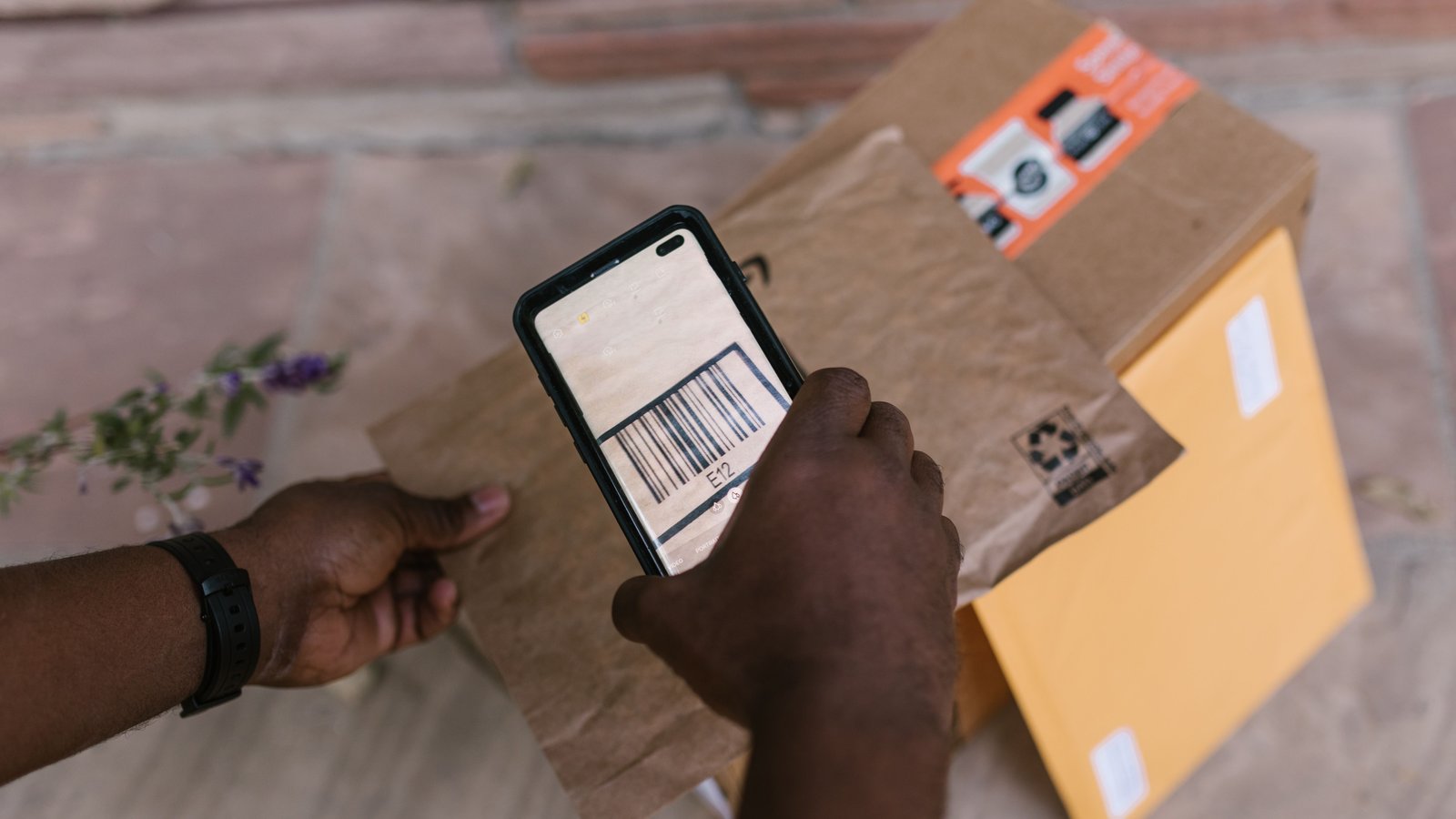
An order arrives at the packing bench. The packer has a box, tape, and three products. One looks different from the order. Another may belong to the tote beside it.
Now packing stops while somebody reconstructs what happened upstream.
A useful warehouse flow makes the handoff clear: what work has been completed, what still needs doing, and what should never move forward unresolved.
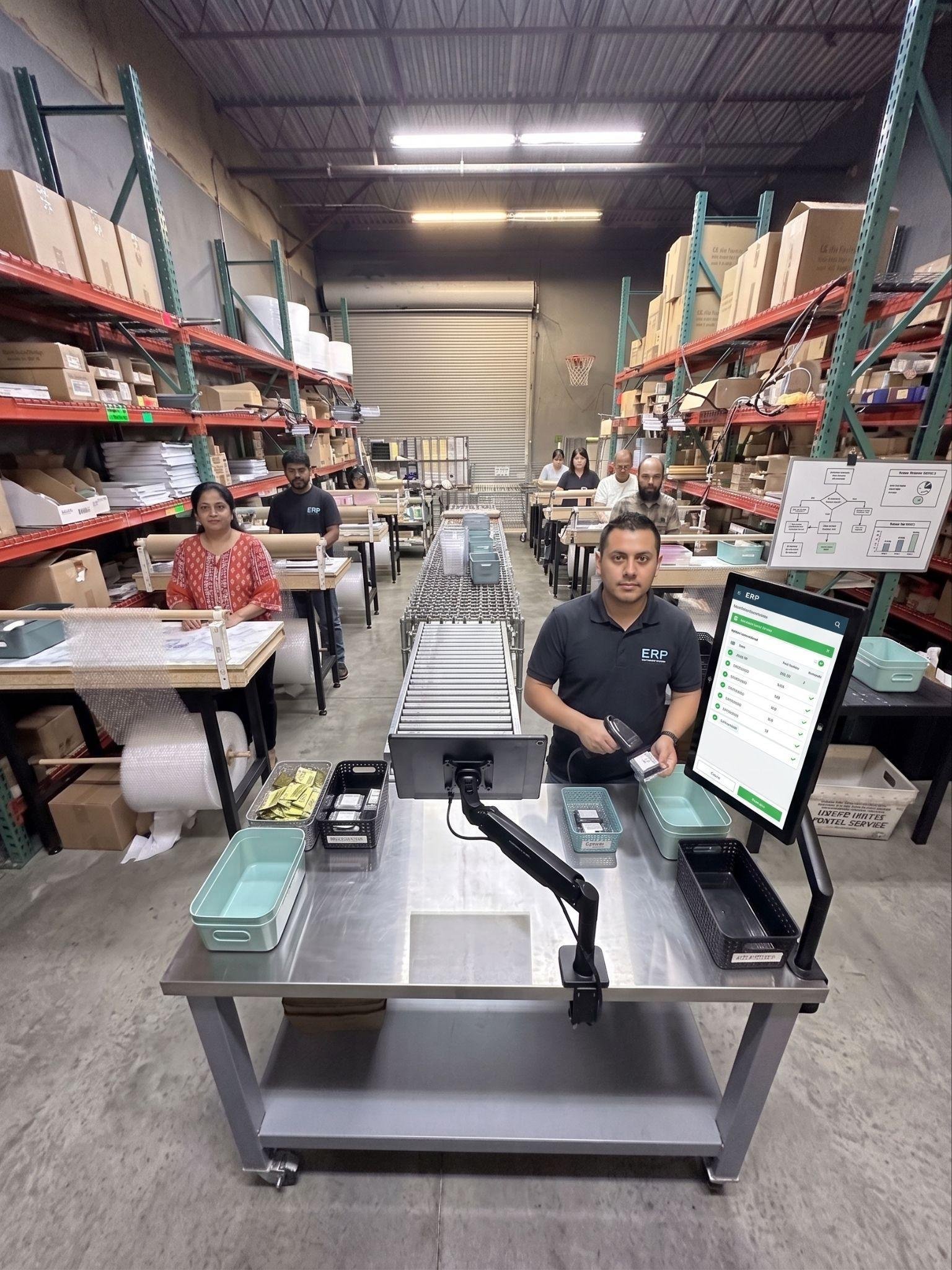
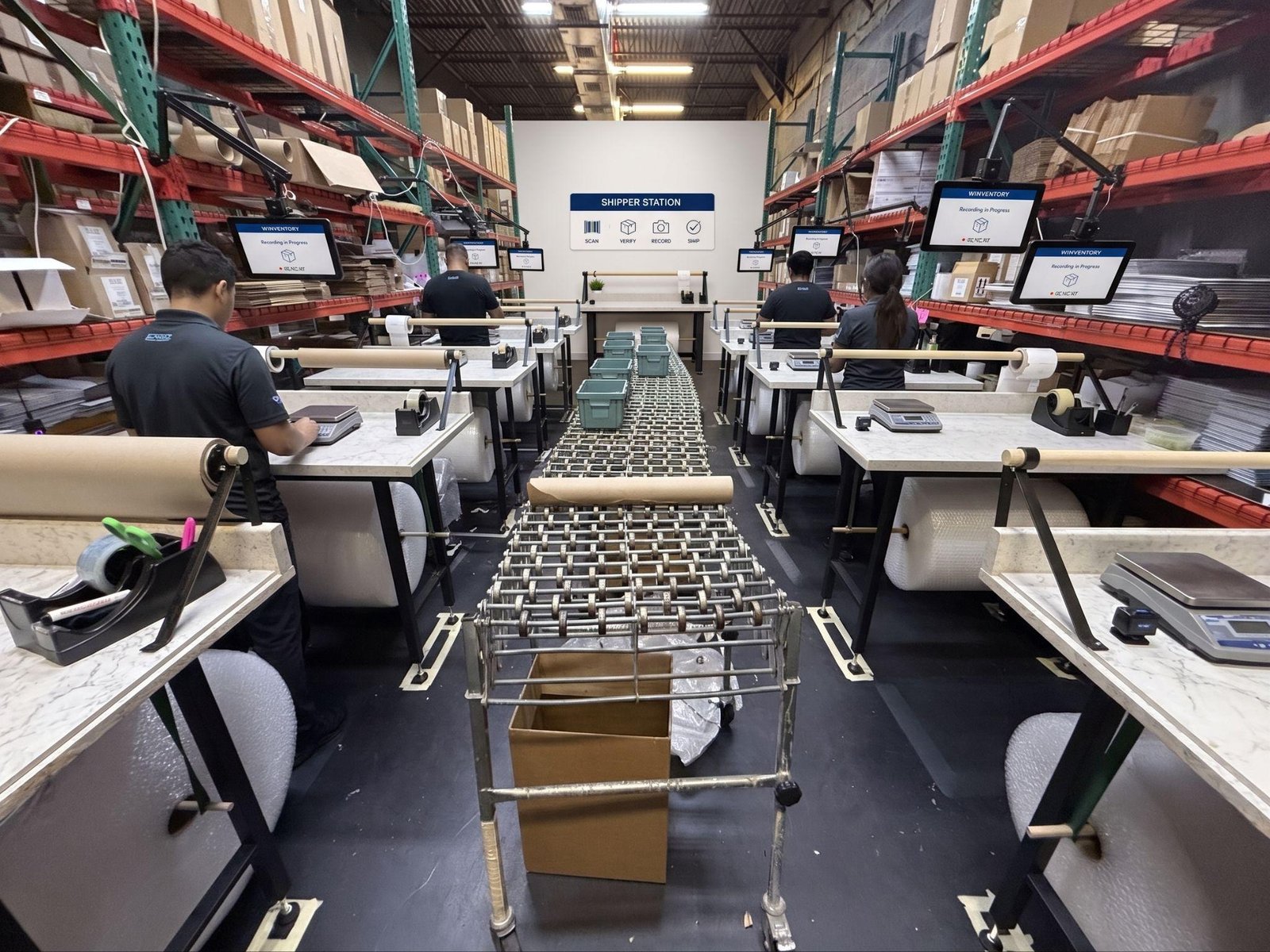
The example here follows pick → scan → pack. It is the workflow described in SaleTrail’s warehouse setup guide. Adapt the physical arrangement to your space; the diagram describes movement and responsibility, not a required building layout.
- 1Receive, count, check
- 2Picking bins + labeled overstock
- 3Pick
- 4Scan / check
- 5Pack
- 6Outbound collection
- 7Carrier pickup
Exception branch (this guide’s explanatory addition to the source layout)
Scan / check → hold and resolve → back to scan / check. An order only leaves the hold by passing the check again. Packers also stop and use the same route if they discover an issue at the bench.
Before picking: give the stock a place
Incoming stock needs to be received, counted, checked, and assigned to a known location before someone relies on it for an order.
Keep stock awaiting putaway distinguishable from stock ready for picking. A box sitting near the right shelf can look available even when nobody has confirmed what is inside or recorded its location.
In this example, regular picking stock sits in accessible bins, with labeled overstock above or below where suitable. The picker should be able to locate the item from its recorded address rather than from memory.
1. Pick: gather the right items and keep the order together
The picker retrieves the product, variant, and quantity required for the order, then brings the items to the scanning position.
The handoff needs an identifiable order and its corresponding items. Use a tote, tray, or other separation method appropriate to your products. Whatever you choose, the next person should not need to guess which loose item belongs with which order.
When stock is missing, do not disguise the problem by passing along an incomplete order without a clear exception status. Identify what is missing and follow the agreed resolution process.
2. Scan: check before the packing handoff
At the scanning station, the scanner checks the picked items against the order and resolves discrepancies before releasing the order to a packer.
Here, scanner means a person performing a defined operational role. It does not mean that the warehouse manager personally checks every order. The barcode scanner is the device used at that position.
Give the station room for the order and its items, a reachable screen and scanner, and a clearly marked space for anything needing attention.
This separation matters. An order awaiting a missing item should not look like a checked order ready to pack.
Illustrative example: the order requires two 50 mL bottles. One 100 mL bottle arrives at the station. The total volume is the same, but the product configuration and quantity do not match. Hold the order and resolve the difference before packing.
3. Pack: protect the items and preserve the order’s identity
The packer receives the checked order, uses the approved packaging, and keeps it separate from neighboring work.
Follow your established label sequence and confirm that the label belongs to the correct order and package before dispatch. Checking items upstream does not remove the need to keep labels and packages matched downstream.
If a discrepancy becomes visible at the bench, stop and use the exception process. A completed scan is not a reason to ignore new evidence of a problem.
Sealed parcels move to a designated outbound collection area, distinct from incoming stock and orders still in progress.
Give Exceptions Their Own Route
The main flow is easy to draw. The exception route is what keeps it understandable during a busy shift.
For a missing item, mismatch, or other unresolved issue, make four things clear:
- Which order is held? Keep it identifiable without exposing customer details unnecessarily.
- Why is it held? Record the specific difference or missing information.
- Who resolves it? Name the role or person to contact.
- What happens next? Return the corrected order through the relevant check before releasing it.
A held order should never become ready simply because somebody moved it to another table.
Fit The Flow To Your Actual Building
Receiving and pickup may use opposite doors, adjacent doors, or the same access point. You may not have a dedicated receiving door at all.
Use marked areas to separate incoming stock from completed parcels. Where practical, separate delivery and pickup activity in time. Position stations so the handoffs are clear and access stays open.
The useful question is: can each person see where their work comes from and where it goes next?
Put it to work: follow one order
Choose a routine order and walk with it. Record each handoff, any waiting, and every trip back for an item or an answer.
Ask the person receiving the order: “How do you know this is ready for you?”
If the answer depends on who brought it over, rather than an explicit check or status, you have found a handoff worth improving.
Quick Floor Check
- Incoming stock is distinguishable from pick-ready stock.
- Each order stays identifiable through the handoffs.
- The scanning position has a clear checking task.
- Held orders are separate from checked orders.
- Someone owns the resolution of each exception.
- Labels and packages are matched before dispatch.
- Completed parcels have a designated collection area.
Next: explore A Better Packing Station: Give Every Move a Place and Before You Hire Another Packer, Follow One Order.