
The streamer holds up a product. Someone asks for another shade. The answer comes instantly: “We’ve got it.”
Somewhere behind the camera, a picker starts searching.
That is a small promise with a long journey. It has to survive the stock count, the location label, the order record, and the packing bench. When those disagree, the warehouse inherits a problem the audience never saw being created.
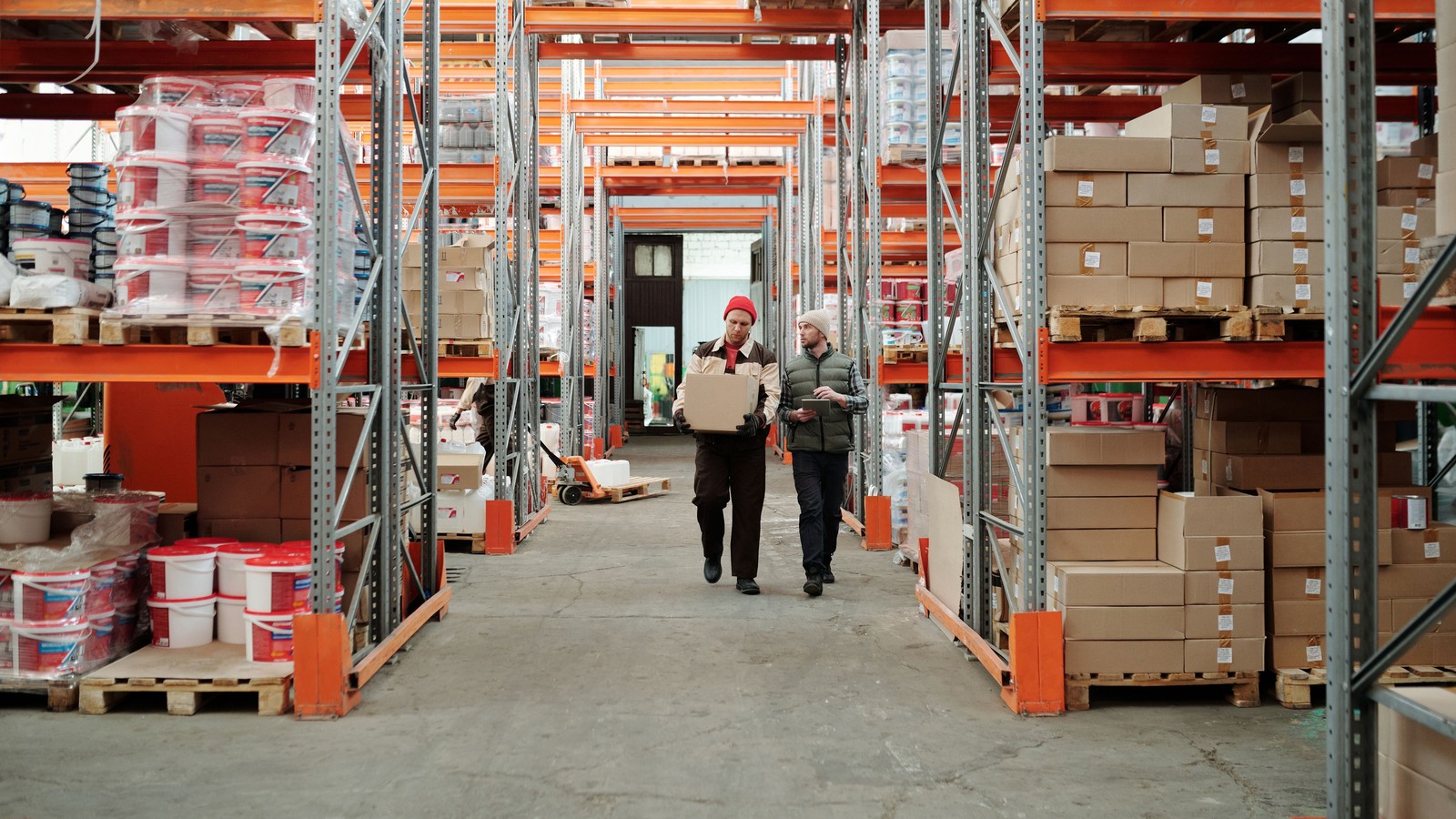
A useful part of streamer preparation happens away from the camera. Walk the operation before you sell what it contains.
Take The Streamer On A Working Tour
This is not a tour to prove the warehouse looks perfect. You want the streamer to understand how an order becomes a parcel — and where assumptions cause trouble.
Follow one ordinary order through picking, checking, packing, and dispatch. Ask the person doing each job what makes the work harder. Which two products look almost identical? What does the team do when a location is empty? Where do orders wait when something needs clarification?
Then follow an awkward order: a bundle, several similar variants, or an item needing special packaging. The streamer does not need to become the warehouse manager. They do need to recognize the consequences of a promise made live.
Make the walkthrough part of onboarding and repeat it when the product mix or fulfillment process changes. The pick, scan, pack walkthrough is a useful map for that tour.
Build The Show Around Verified Availability
“We received a pallet” is not the same as “these units are ready to sell.” Some may still need counting, inspection, identification, or putaway. Others may already be committed to orders or reserved for another channel.
Before the show, agree on the quantities available to this show. Identify variants separately. Keep damaged stock, demonstration units, and unresolved inventory out of that number.
For each featured product, the streamer should know the exact name, size or shade, condition, sellable quantity, and any relevant restriction. If a product needs a specific shipping process, resolve that before the streamer offers it.
Have a clear rule for substitutions: the streamer cannot casually replace one variant with another because the packaging looks close enough. Use the business’s agreed buyer-resolution process when the promised item is unavailable.
Choose One Route For Live Questions
During a show, five people answering the same inventory question can produce five different answers.
Assign one warehouse contact and one backup. Choose the channel they monitor and the questions that require a pause: unclear quantity, unidentified variant, suspected damage, or a bundle that the team cannot confidently assemble.
Give the streamer useful language: “Let us confirm the exact quantity before we run the next batch.” That is a more manageable moment than selling uncertain stock and reconciling it tomorrow.
The contact needs authority to say “hold.” A communication channel is of little value if the person watching it cannot stop a preventable error.
Separate Enthusiasm From An Operational Commitment
A streamer can create energy without improvising the warehouse’s instructions.
Set boundaries before going live: which bundles are approved, how demonstration stock is recorded, who approves an extra giveaway, and what shipping statements the streamer can make. Avoid promising delivery dates the business cannot control.
If the show changes direction, update the person coordinating fulfillment. An extra hour of selling can change the next shift’s workload even when revenue looks excellent.
Finish With A Handoff
When the camera stops, unresolved questions still need owners.
Review the products demonstrated, unusual bundles, stock discrepancies, buyer commitments needing clarification, and anything sold differently from the original plan. Keep an order or product reference with each exception. Do not rely on someone remembering a comment from the stream.
At the next review, bring the streamer one specific lesson from fulfillment. “These two shades were confused three times” gives them something to change in the next presentation. “The warehouse struggled” does not.
Use this: the streamer–warehouse handoff sheet
| Before The Show | Record |
|---|---|
| Show and streamer | Date, title, streamer |
| Warehouse contact / backup | Names and communication channel |
| Featured products | Exact SKU / variant and verified quantity allocated to the show |
| Exceptions | Holds, limited quantities, special packaging, unresolved questions |
| Approved offers | Bundle contents, demonstration units, giveaway process |
| Pause rule | Who can hold a sale and how the streamer receives that instruction |
| After-show handoff | Open issue, order/SKU reference, owner, next action |
Try it before the next show: ask the streamer to find one featured product using the same information a picker receives. Any ambiguity they encounter is worth fixing before customers start buying.
Read Next
- Follow the Order: Pick → Scan → Pack — the route the streamer walks on the tour.
- Your Show Got Promoted. Can Your Warehouse Handle It? — planning for a spike.
- Warehouse Manager Guide — who owns the day the show creates.
Put the week on one page.
A blank weekly workbook across the five areas: show economics, inventory health, fulfillment flow, accuracy, and team rhythm.
- One blank page per area, with a source column (Recorded / Estimated / Unknown / N/A)
- A page for choosing the few figures that change a decision
- A short page on reading your own numbers without fooling yourself
- No score, no target range, no benchmark
Blank workbook only. It sets no score, no target range and no benchmark. You record your own figures and compare against your own previous weeks.
Email required. The guide and the on-screen scorecard stay open to everyone.