
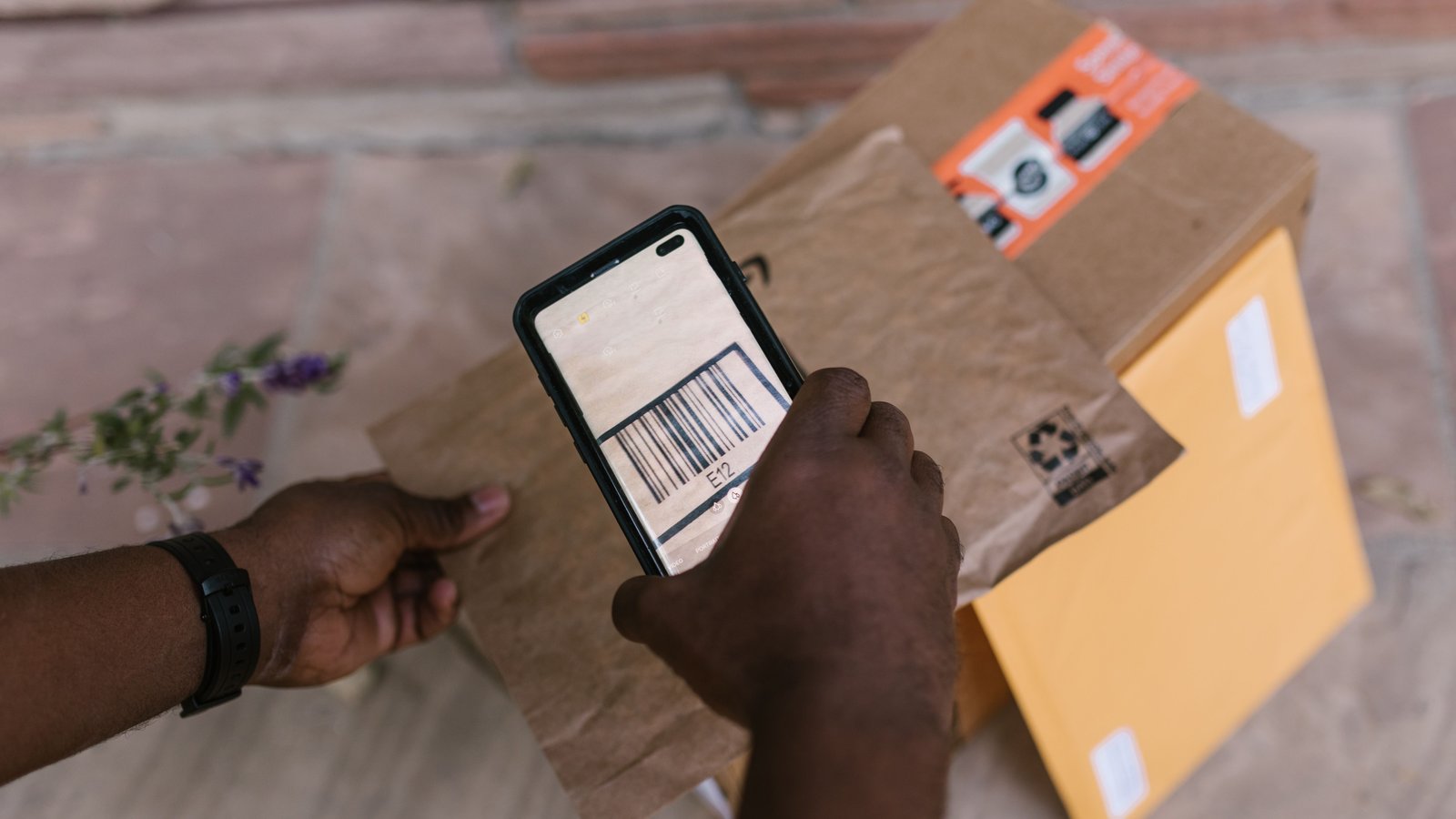
The buyer ordered the 100 ml. They got the 50 ml. Or the right fragrance in the wrong size, or its twin with a different label. Now there is a refund, a reship, a support message and a question nobody on the floor can answer: who packed it?
“Be careful” is not a system. Careful people make mistakes when the volume climbs and the products look alike.
This guide lays out a pick–pack–verify workflow for Whatnot and TikTok Shop sellers. It will not promise zero errors or won disputes. A defined process can reduce avoidable wrong-order work — and make the rest easier to trace.
Why Packing Mistakes Increase With Volume
Each wrong order costs more than the item: a refund or reship, support time, and the blame conversation afterward.
Volume adds lookalikes, more hands and more handoffs. When stages are not visible, a mistake can come from anywhere and be caught nowhere.
Separate Picking From Packing
- Pick — get the right items off the shelf.
- Pack — put them in the right box.
- Verify — confirm the box matches the order before it closes.
Example staffing to adjust for your floor: roughly one picker and one scanner for every five packers. Your mix and volume will change that.
Define the handoff: an order is “ready” only when the check is complete.
Give Every Product And Location A Clear Identity
Every sellable item needs its own warehouse ID or SKU, and every location an address such as T-07-C. Twins — same product, different size or concentration — need separate IDs and ideally separate bins. See How to Organize Your Whatnot Inventory.
Pick From An Aggregated List Rather Than Relying On Memory
- SKU and variant
- Location address
- Total quantity needed
- Which orders it belongs to
Keep one order per tote so items do not drift between orders.
Match The Shipping Label To The Correct Order
Match the label to the order before anything goes outbound. Label swaps send two right boxes to two wrong buyers.
Verify Each Item Before Closing The Package
- SKU matches the order
- Variant (size, shade, scent) matches
- Quantity matches
- Order number matches
- Label matches the order
The workflow: Order → Pick → Pack → Verify → Evidence → Ship.
What to do when something doesn’t match
- Which order is held
- Why it is held
- Who owns it
- What happens next
Never silently substitute. A quiet swap becomes a refund later.
Track Who Picked And Packed Each Order
Record the picker, packer and verifier on each handoff. The point is to make the flow inspectable — so you can fix a step or train a person — not to assign blame.
Capture Packing Evidence For Important Disputes
Photos or video after verification are optional, and most useful on high-value orders. Evidence can support your side of a dispute; it does not guarantee the outcome.
Measure where orders are getting stuck
Watch queues between stages and how often orders come back for rework. A quick floor check:
- Where are totes waiting right now?
- How many orders are on hold, and who owns them?
- Which SKUs caused rework this week?
- Is every order verified before tape?
Part of SaleTrail Campus: practical guides for Whatnot and TikTok Shop sellers.
Put tomorrow's shift on one page.
Get the huddle sheet, exception log, responsibility worksheet, and weekly scorecard.
- Daily warehouse huddle sheet
- Station-assignment sheet (blank roles)
- Exception log (blank)
- Owner–manager responsibilities worksheet
- Weekly warehouse scorecard (blank categories)
- A short example of how a manager might use the kit
Blank templates only. The kit sets no staffing ratios, targets or benchmarks — you fill in your own.
Email required. Preview what's included before downloading.