
You sold it on camera. Someone on the floor can't find it. Or the sheet says twelve, the shelf says four, and the next show is in ninety minutes.
That is not a “messy warehouse” personality problem. It is an inventory system that stopped matching how you sell.
This guide is the system from spreadsheet path: identity, locations, receiving, movements, and a floor routine people can follow — on Whatnot, TikTok Shop, or both. It is not the same job as fixing sold-out-on-camera availability gaps (Sold Out on Camera. Still Somewhere in the Warehouse.). That piece is about physical truth vs what you may sell. This one is how you build the warehouse so those two stop fighting.
You do not need software to start. You need consistent IDs, labeled places, and a process the team actually uses.
When Inventory Starts Becoming A Real Operational Problem
- More than one person touches stock or the sheet
- Products live in more than one place (active bin, overstock, cart, “temp” shelf)
- You sell the same SKUs across shows and platforms
- After a big night, the record is hours or days behind the floor
- New people ask “where does this go?” and the answer is a person, not a label
Beauty and fragrance make this worse: twins that differ only by size or concentration sit side by side. Clothing does the same with sizes and colorways.
A spreadsheet plus memory works while one person holds the whole picture. Once the floor grows past that person, the gaps show up on camera.
Give Every Product A Consistent Identity/SKU
One SKU per distinct sellable item. If a buyer would be upset to receive one instead of the other, they need different SKUs — for example (illustrative) `CHANEL-COCO-50ML` vs `CHANEL-COCO-100ML`.
Use the same ID everywhere: receiving, bin labels, pick lists and the stream run sheet.
- Bundles get their own SKU plus a bill of materials listing the SKUs inside.
- Mystery deals need a written contents rule, so what goes in the box is decided before the show. Don't advertise a mystery item's value; on Whatnot, only MSRP may appear on product pages and checklists. On TikTok Shop, Surprise Sets and sealed random products are Collectibles only, so beauty mystery deals can't run as Surprise Sets.
- Platform titles change per listing — map each one back to the warehouse ID.
Use Barcodes Wherever Possible
- Use manufacturer UPCs when the product has them.
- Print your own for private label or unmarked items.
- Scan at receiving and again at verification.
- Barcodes matter most on lookalikes, where eyes fail first.
Barcodes answer what it is. Bin labels answer where it is. You need both.
Give Every Inventory Location An Address
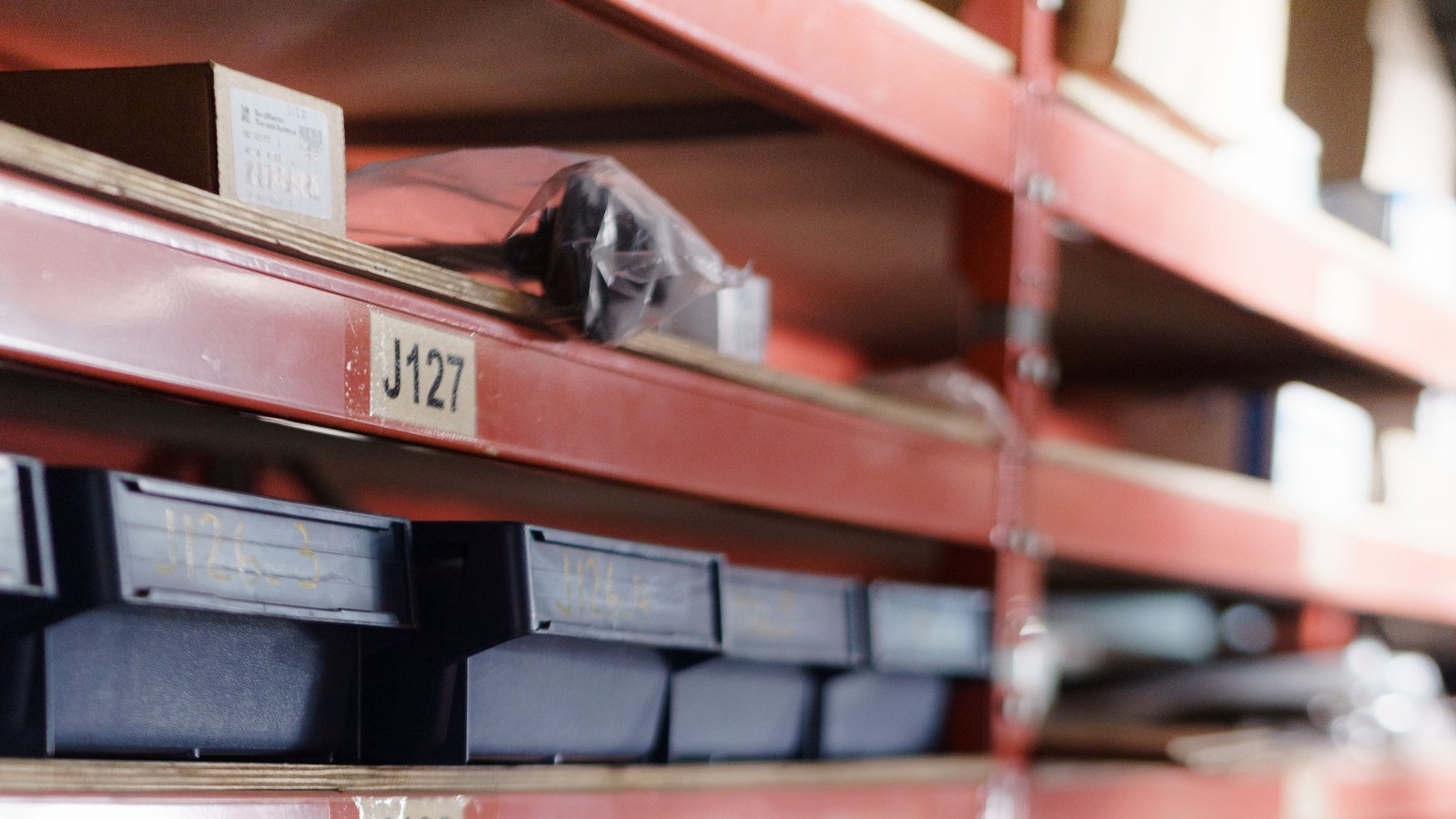
A bin is a labeled location. The product inside can change; the address stays. That is what lets someone new find stock without asking the one person who “just knows”.
Recommended Rack → Row → Shelf → Position Structure
- Label the racks and shelves physically.
- Assign each SKU to an address and record it.
- Move stock that has no home into a single `NO_BIN` area.
- Work `NO_BIN` down to zero before the next zone.
| Part | Example | Meaning |
|---|---|---|
| Rack | T | The rack or zone |
| Row | 07 | The bay along that rack |
| Shelf | C | The level, top to bottom |
| Position | optional | A slot on the shelf if you need it |
Put together, that reads T-07-C. Roll it out one zone at a time:
`NO_BIN` is a visible holding place for stock without an address — so it is counted and found, instead of hiding on a cart.
Separate Active Inventory From Overstock
Active is where pickers pick. Overstock is where extra units wait. Default to one product per active bin.
| Address | Type | Holds |
|---|---|---|
| T-07-A | Active | One SKU, a show's worth |
| T-07-B | Active | One SKU, a show's worth |
| T-07-E | Overstock | Cases of the SKUs above |
When you replenish, record both sides of the move: out of overstock, into active. More in Active Inventory vs. Overstock.
Create A Consistent Receiving Process
Every delivery answers three questions before it hits a shelf: What is it? How many? Where does it go?
Keep inbound space separate from outbound so new stock never mixes with orders waiting to ship.
Track Every Inventory Movement
| Movement | From → To |
|---|---|
| Receive | Dock → location |
| Replenish | Overstock → active |
| Pick | Active → order |
| Return | Buyer → inspection → location |
| Adjust | Count correction, with a reason |
The discipline matters more than the tool. A sheet that records every move beats software nobody updates.
Keep Sold-But-Not-Yet-Shipped Inventory Visible
- Available — on the shelf and free to sell
- Committed — sold, not yet shipped
- Inbound — ordered or arriving, not sellable yet
- Held — damaged, in question, or set aside
Establish A Low-Stock Verification/Counting Routine
- Count your top SKUs first — they cause the most on-camera pain.
- Put counts on a schedule, not only after something goes wrong.
- Investigate a mismatch before overwriting the number.
- Every adjustment gets a reason and an owner.
Signs You've Outgrown Spreadsheets
- Two people edit the sheet at once
- Nobody can say why a number changed
- Sold items still show as available
- One person is the map of the warehouse
The full list: 7 Signs You've Outgrown Your Whatnot Inventory Spreadsheet.
When Software Starts To Make Sense
Get the process right first: IDs, addresses, receiving and movements. Software then speeds up a system that already works. SaleTrail is one option — not a requirement.
Part of SaleTrail Campus: practical guides for Whatnot and TikTok Shop sellers.
Put tomorrow's shift on one page.
Get the huddle sheet, exception log, responsibility worksheet, and weekly scorecard.
- Daily warehouse huddle sheet
- Station-assignment sheet (blank roles)
- Exception log (blank)
- Owner–manager responsibilities worksheet
- Weekly warehouse scorecard (blank categories)
- A short example of how a manager might use the kit
Blank templates only. The kit sets no staffing ratios, targets or benchmarks — you fill in your own.
Email required. Preview what's included before downloading.